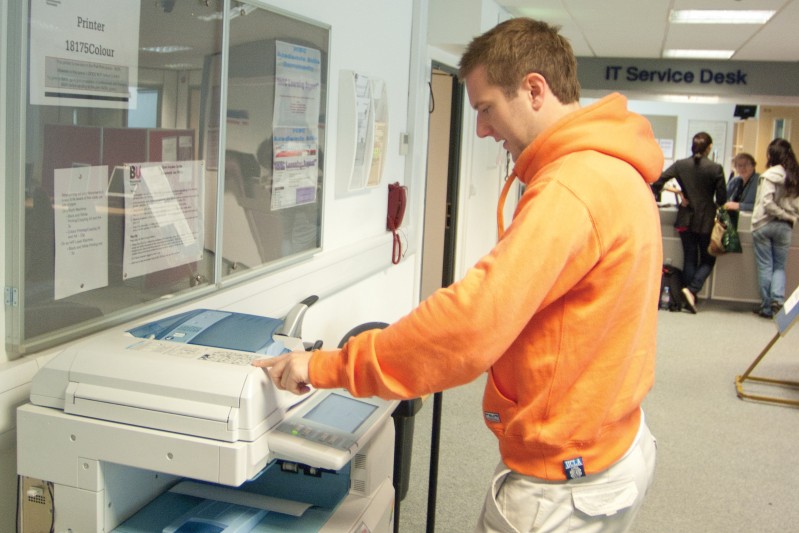
We’re pleased to announce that Mobility Printing is now available across campus. This enhancement builds on last year’s printing upgrade and makes it even easier to print while you study or work.
What is mobility printing?
Mobility Printing allows students and staff to print securely from their own devices when connected to the Bournemouth University network. With minimal setup, you can print from laptops, tablets, or smartphones to university printers, giving you a flexible printing experience wherever you are on campus.
Who is it for?
Students printing from personal devices
Staff using personal or non‑BU managed devices.
What can you do?
Once you’ve installed your profile in PaperCut (see links below for instructions) you can print from your personal device using:
Laptops/Computers
Phones/Tablets (iPhone or Android)
Phones/Tablets
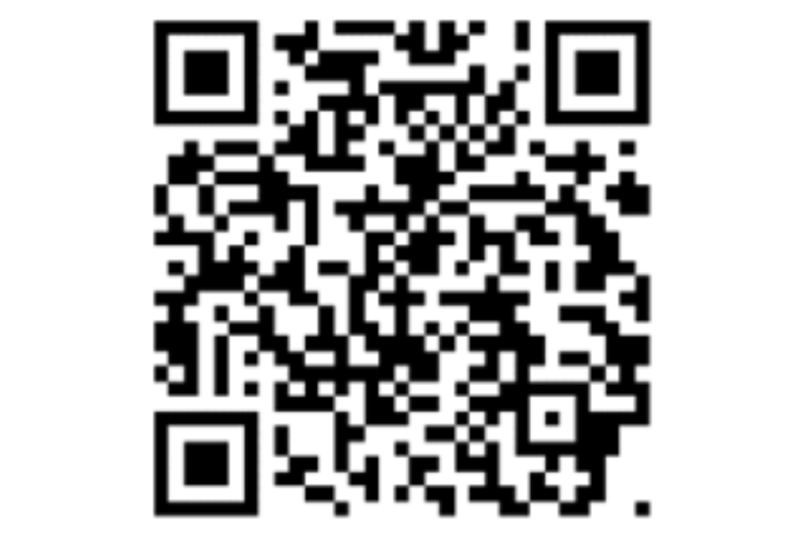
Using your phone or Android tablet? Connect to the BU network, then scan the QR code - it will take you directly to the mobility print website so you can install your profile and start printing. (iPad users follow links).
How do you print?
Print as you normally would from your personal device. Select Secure-Mono (Tonara) or Secure-Colour (Tonara), then go to any campus printer to release and collect your printing. Print jobs not released will be automatically removed after 24 hours.
If you have any queries about the above, please contact the IT Service Desk (01202 9)65515, freephone (UK only) 0808 196 2332.
We hope you find this new service makes printing on campus even easier and more flexible.